Duplicates & look-alikes
LumaSort compares what photos actually look like, so burst shots and near-identical frames land side by side. The sharpest one is picked to keep.
Coming soon to iPhone · iOS 17+
LumaSort finds duplicate photos, look-alike shots, forgotten screenshots and huge videos, then lets you swipe through them. Nothing is deleted until you say so.
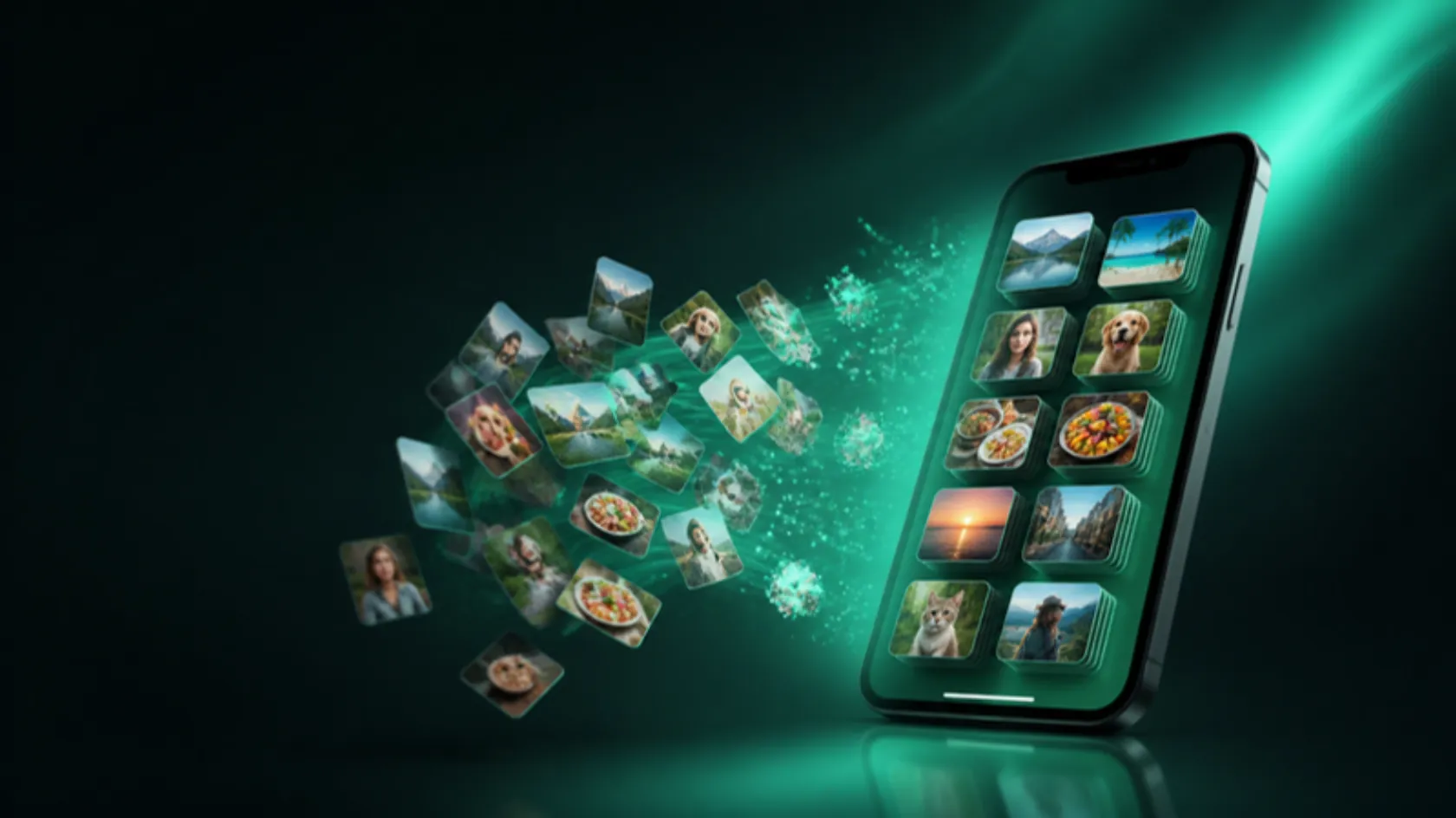
Everything in one sweep
LumaSort compares what photos actually look like, so burst shots and near-identical frames land side by side. The sharpest one is picked to keep.
Compress on device and keep the memory. You choose whether the original goes.
Every number, email and note is kept. Preview the merged card first.

Old receipts, boarding passes and memes in one stack to clear.
Photos and files you saved from WhatsApp, Telegram, Signal or Viber.
No account, no uploads, no servers looking at your library.
Inside the app
See how much space each kind of clutter takes, open a group, and keep the best shot. Every screen is built around review first.
Illustration. Numbers are examples.
Try it right here
Drag the card, or use the buttons. This is how review feels in the app: quick, a bit addictive, and nothing is deleted until the final confirm screen.
Your picks wait on a final review screen. Nothing is gone yet.
How it works
LumaSort looks through the photos, videos and contacts you allow. Nothing is uploaded.
Review smart groups, or swipe one by one. Undo any choice before you confirm.
One summary shows what gets deleted, merged or compressed. Photos go to Recently Deleted for 30 days.
Our promises
Lots of cleaner apps oversell. LumaSort does one job well, on your phone, and tells you exactly what it can and cannot reach.
Yes. Photos you remove go to the Recently Deleted album in the Photos app, where iOS keeps them for 30 days.
LumaSort compares a small fingerprint of each image's content on your phone, so near-identical shots group together even when file sizes differ.
No. A merge keeps every number, email and address from each card, and you see a preview before it happens.
It can review media you have saved to Photos or imported from those apps. iOS does not let any app reach another app's private storage.
Yes. If you share only some photos with LumaSort, it reviews just those and tells you clearly what it can see.

Leave your email and we will send a TestFlight invite as soon as a spot opens.
No spam. One email when your invite is ready.